Polished. Powerful. Platform-ready.
Digital Mixing Console Templates for Churches and Live Audio Teams
Ready-to-use DiGiCo, Allen & Heath, and Yamaha console scenes built to help church audio teams start faster, mix cleaner, and create more consistent services.
Scenes Designed for Popular Digital Consoles
Front of House • Monitors • Broadcast • Streaming
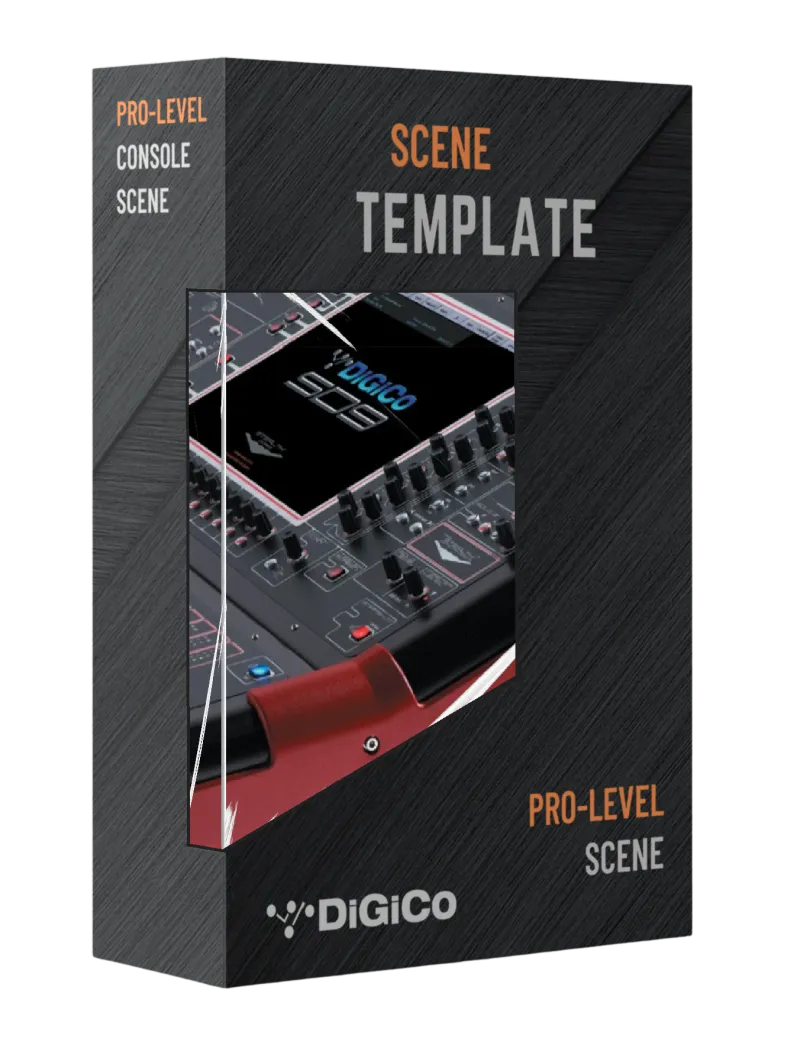
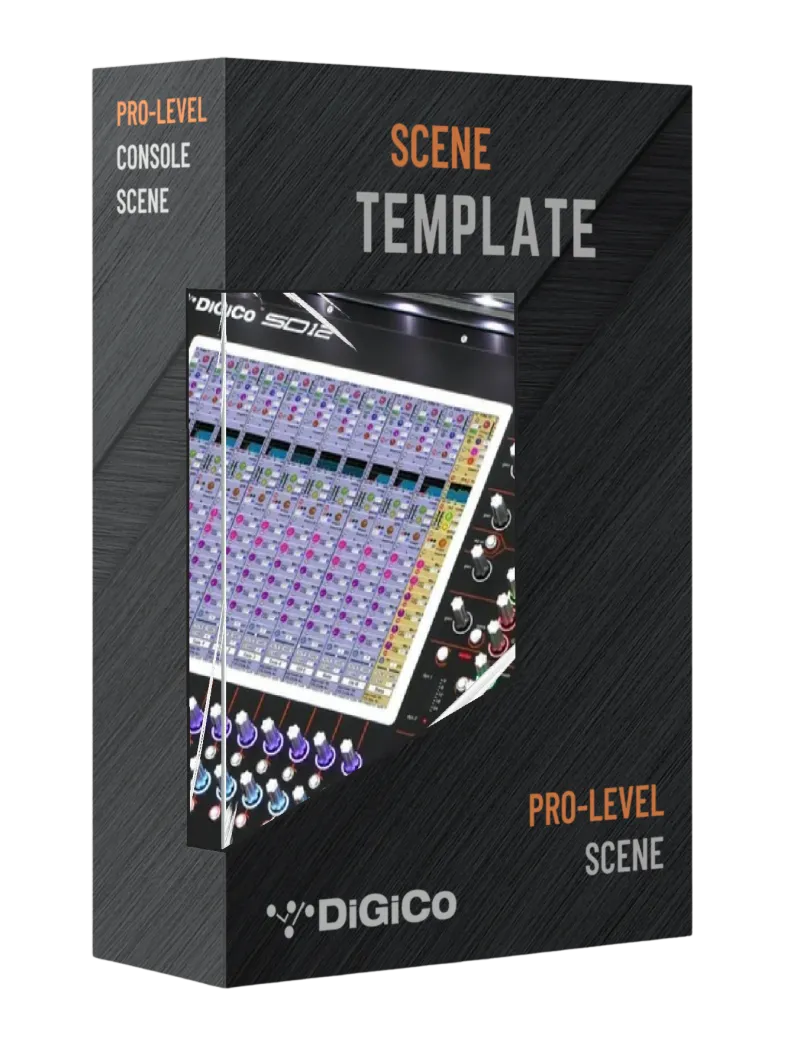
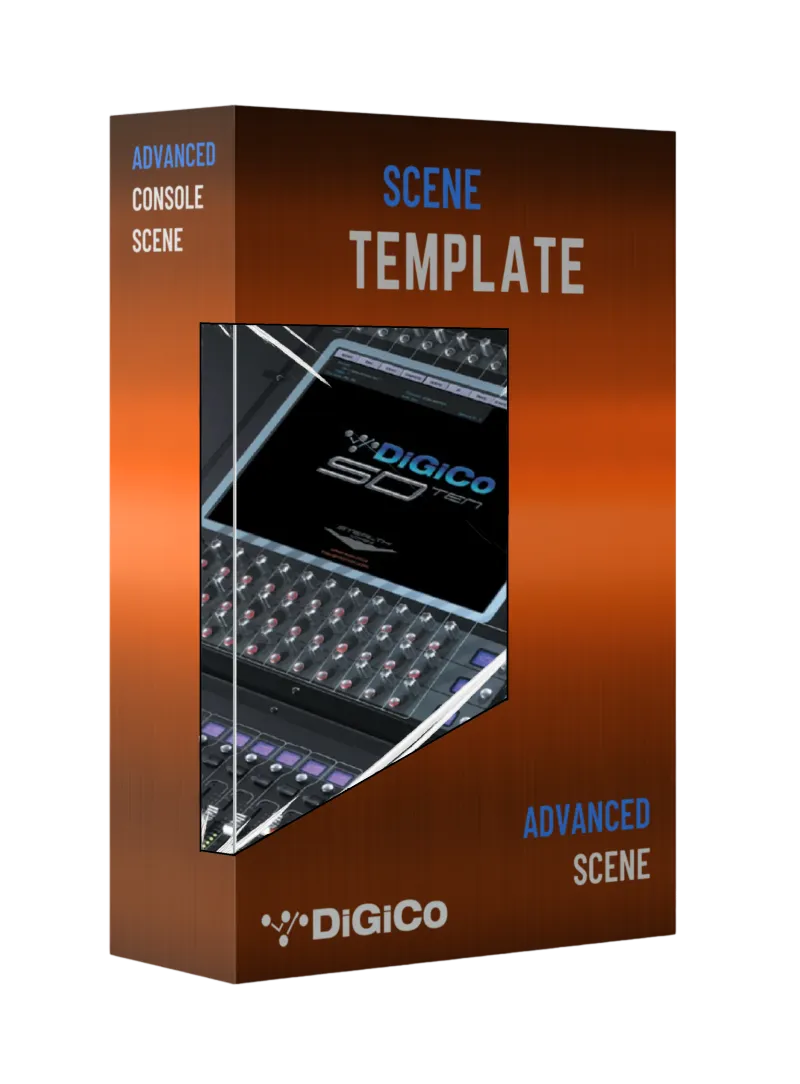
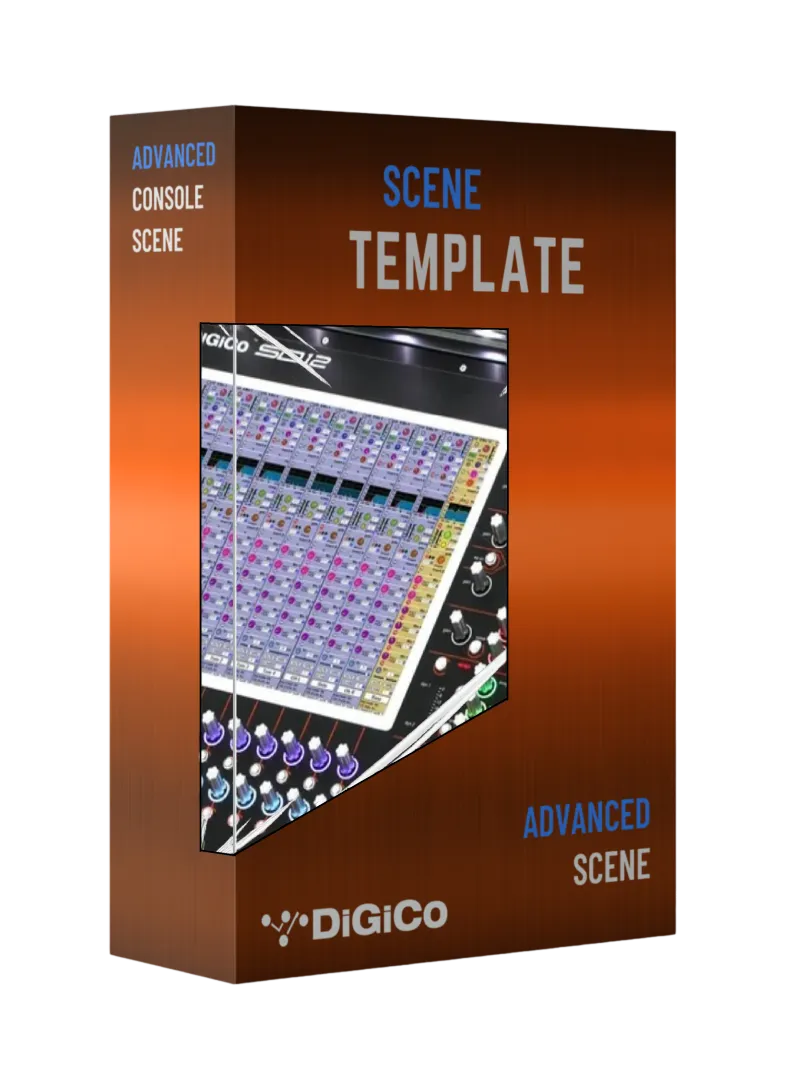
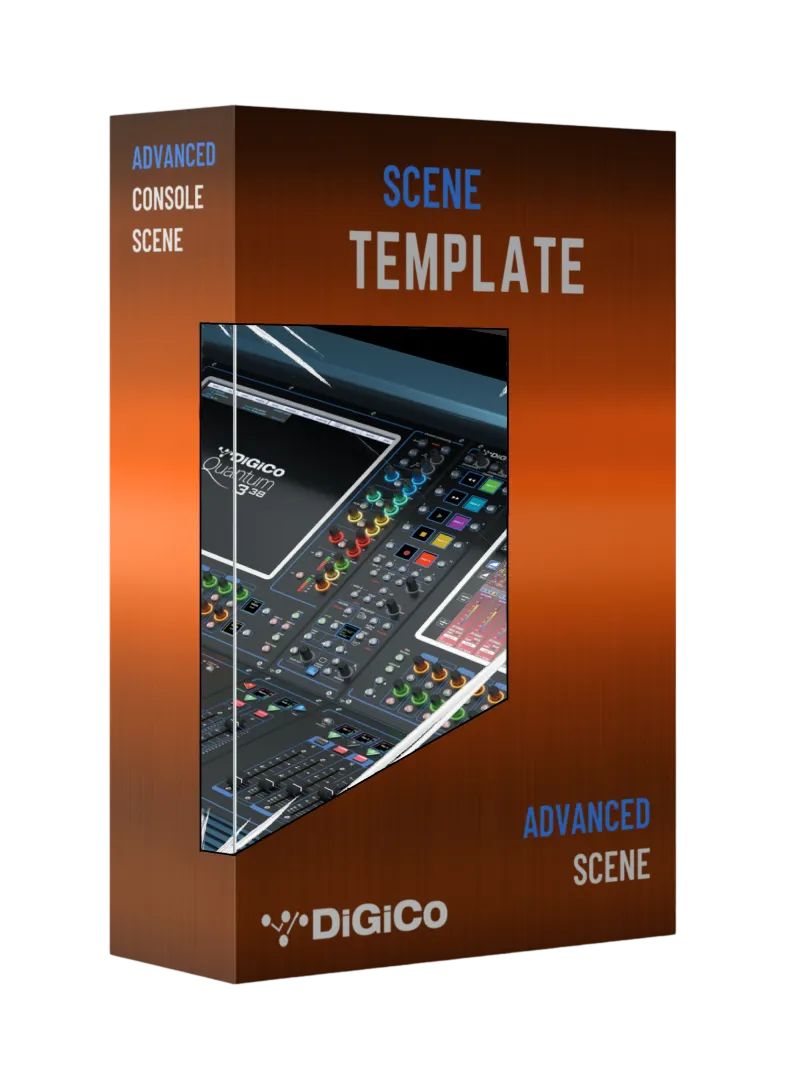
Optimized for FOH, monitor, and broadcast workflows on DiGiCo systems. Ideal for churches, touring shows, and conferences that demand reliable, repeatable mixes.
ALLEN & HEATH BASE SCENES
Streamlined templates for Allen & Heath consoles, delivering consistent routing, EQ, and FX setups for rapid deployment.
Scenes Designed for Popular Digital Consoles
Front of House • Monitors • Broadcast • Streaming
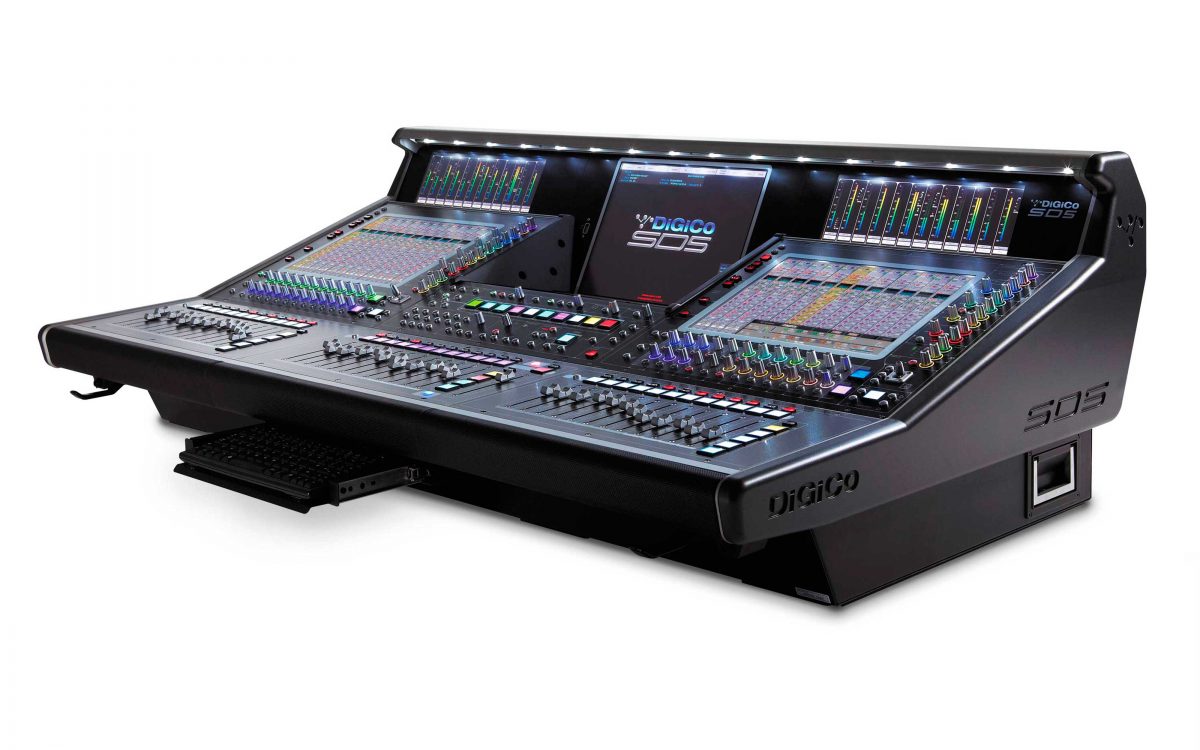
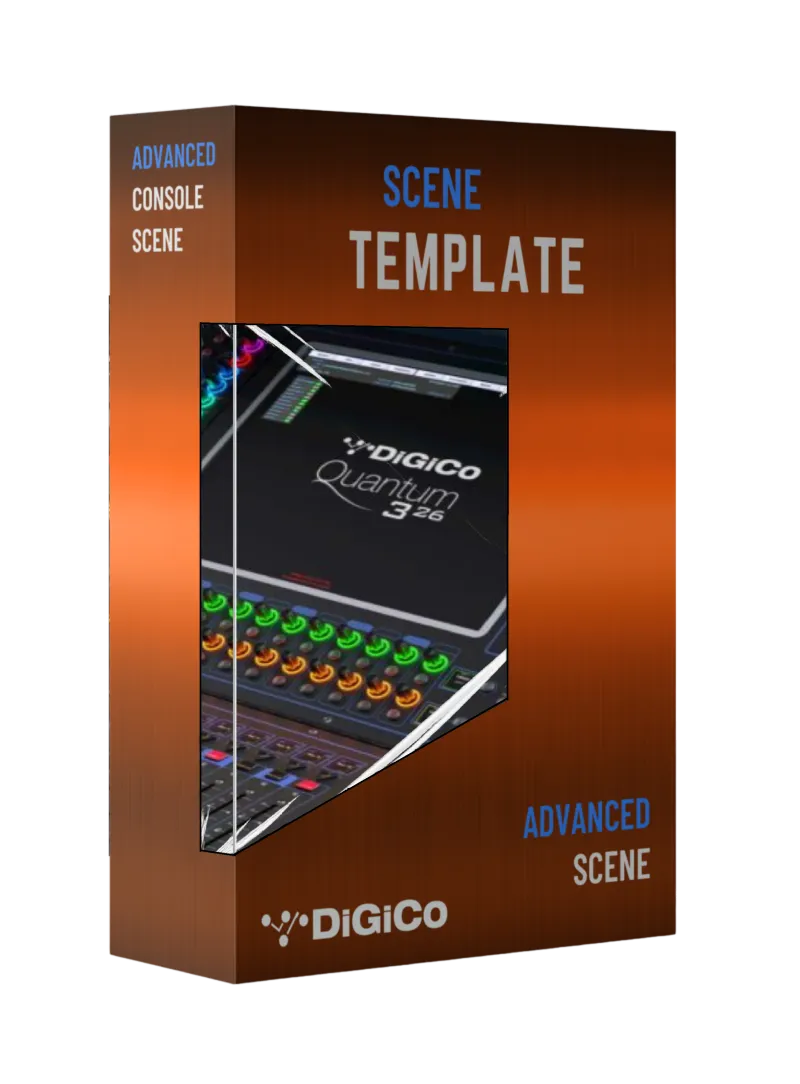
DiGiCo Templates
For church FOH, broadcast, and worship production workflows.
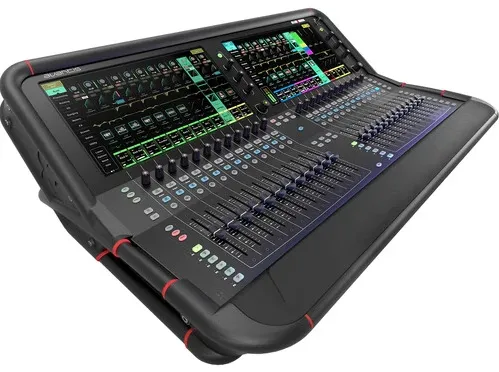
Allen & Heath Templates
Ready-to-use scenes for SQ, Avantis, dLive, and church audio teams.
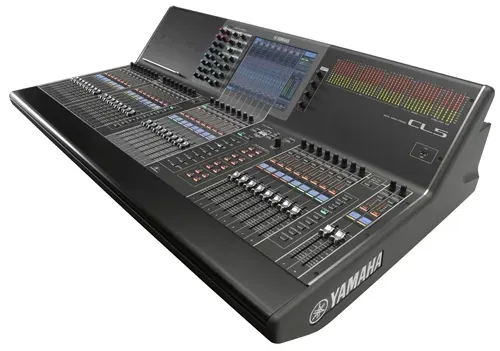
Yamaha Templates
Templates for common Yamaha digital consoles used in worship and live production.
Church Audio Console Templates
Why Use Setchfield Audio Console Scenes?
Setchfield Audio console templates give church audio teams a clean, organized starting point for Sunday services, livestreams, rehearsals, and special events.
Each scene is built to help worship teams save setup time, reduce routing confusion, and create a more consistent mix workflow across FOH, monitors, and broadcast audio.
🔷 Faster setup — Start from a professionally organized scene instead of building your console file from scratch.
🔷 Volunteer-friendly workflow – Clear labeling, practical routing, and repeatable structure make the mix easier to understand.
🔷 Church-ready routing – Designed for common worship inputs, band layouts, pastor microphones, playback, and livestream needs.
🔷 Cleaner FOH and broadcast flow - Build a better foundation for in-room sound, livestream audio, and recording workflows.
🔷 Consistent results - Give your team a reliable starting point for rehearsals, Sunday services, conferences, and special events.
YAMAHA BASE SCENES
Pro-level starting points for Yamaha digital mixers, designed for quick load, easy volunteer use, and clear, controlled mixes.
Ready-to-Deploy Digital Console Templates
Why Use Our Console Scenes?
Our Base Scene Collection features pro-level starting templates for today’s most trusted digital mixing consoles – including DiGiCo, Allen & Heath, Yamaha, and Midas systems.
Whether you’re mixing worship services, touring shows, conferences, or broadcasts, these scenes are carefully designed for:
🔷 Rapid Deployment – Get up and running in minutes, not hours.
🔷 Volunteer-Friendly Workflows – Simplified layouts anyone can follow.
🔷 Clear Routing & FX – Pre-configured groups, VCAs, and FX sends.
🔷 Streamlined FOH, monitor, and broadcast signal flow - Organized, consistent mixes across all outputs.
🔷 Consistent Results - Same great sound across events and venues
How It Works
1. Choose Your Console
Select the console family and scene package that matches your system.
2. Download Your Template
After purchase, download your ready-to-use scene file and setup instructions.
3. Load, Customize, and Mix
Load the scene onto your console, adjust it for your room and team, and start with a cleaner mix foundation.
Need help choosing or adapting a scene? Contact Setchfield Audio for church audio support.
Shop Digital Console Templates for Church Audio Teams
Setchfield Audio creates downloadable console scene templates for churches, worship teams, FOH engineers, livestream teams, and production volunteers.
Each template gives your team a clean, organized starting point for Sunday services, rehearsals, broadcasts, and special events. Choose your console, download the scene, customize it for your room, and start mixing with a more reliable foundation.
Featured Console Templates
Filter:
Filter:

Frequently Asked Questions
How do I receive my base scene after purchase?
After checkout, you’ll receive an instant download link. You’ll also get a confirmation email with the file(s) attached or linked for download.
What consoles are these scenes compatible with?
Each base scene is designed specifically for the console model listed in the product title and description (e.g., DiGiCo SD12-96, Yamaha CL5, Allen & Heath Avantis, etc.). Please ensure you select the correct model before purchase — scene files are not cross-compatible between different consoles or series.
Is the I/O patched?
No — and that’s intentional. Every system is different, so these scenes come unpatched to ensure compatibility with any stage rack or preamp setup. You simply patch in your I/O, and the rest is already done — labeled, routed, grouped, and FX-ready.
Do I need any special software to use the scene files?
No. These scenes load directly into your console using a standard USB drive or network transfer (depending on the console model). No additional software is required.
Can I modify the base scene to fit my setup?
Absolutely. These scenes are meant to be a starting template. You’re free to modify channel names, routing, FX, and layout to fit your exact workflow or team preferences.
Can I use these scenes at multiple venues or campuses?
Yes. Once purchased, you may use the base scene for any project, event, or campus you personally engineer for or manage. If you are an integrator or AV company setting up multiple locations, consider purchasing a license per client.
Do you offer refunds or exchanges on digital downloads?
No. All digital products are final sale and non-refundable. Due to the nature of downloadable content, we cannot offer refunds or exchanges. Please double-check your console model and version before purchasing.
What if I need help loading the scene or have questions?
If you run into issues loading your scene, we’re happy to help. Just reach out via our [contact form/email] with your console model and a brief description of the issue. We’ll get back to you as soon as possible.
Ready to Streamline Your Mix?
Download your console scene today and start your next event with confidence.
Service Areas
We partner with churches, schools, organizations, events, and creative teams across Atlanta, Athens, Gainesville, Suwanee, Cumming, Alpharetta, Buford, and surrounding North Georgia communities.


©2026 | Setchfield Audio, LLC | Terms | Privacy | AI Model Info